Never used Canva? Watch how it works (15 seconds).
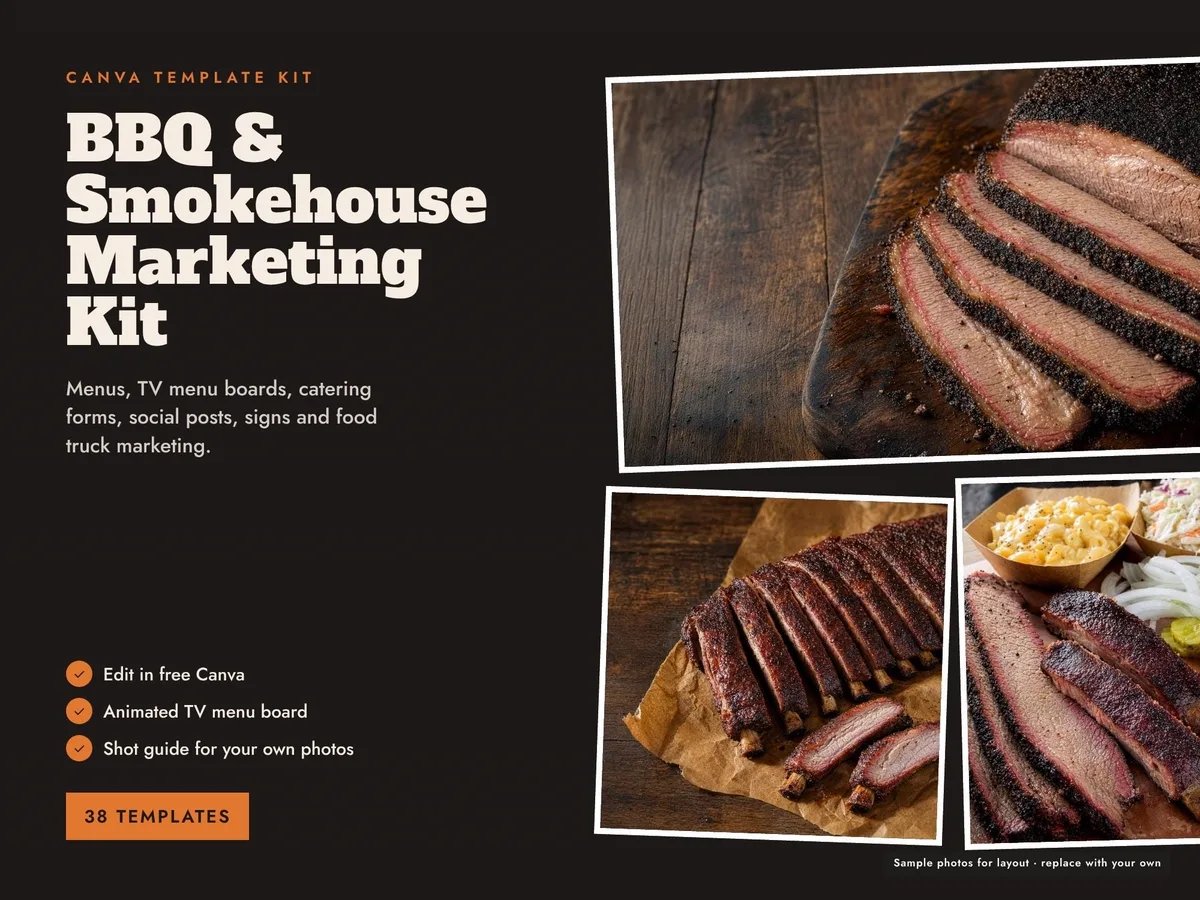
BBQ Menu and Food Truck Marketing Kit — 38 Canva Templates
Everything a barbecue restaurant, food truck or caterer needs to look like a pro: menus, TV menu boards, catering forms, signs, labels and social posts, in three colors.
Checkout, payment and delivery are handled by Etsy. Instant download the moment payment clears. The struck-through price is the regular Etsy price; the sale price is what Etsy charges today.
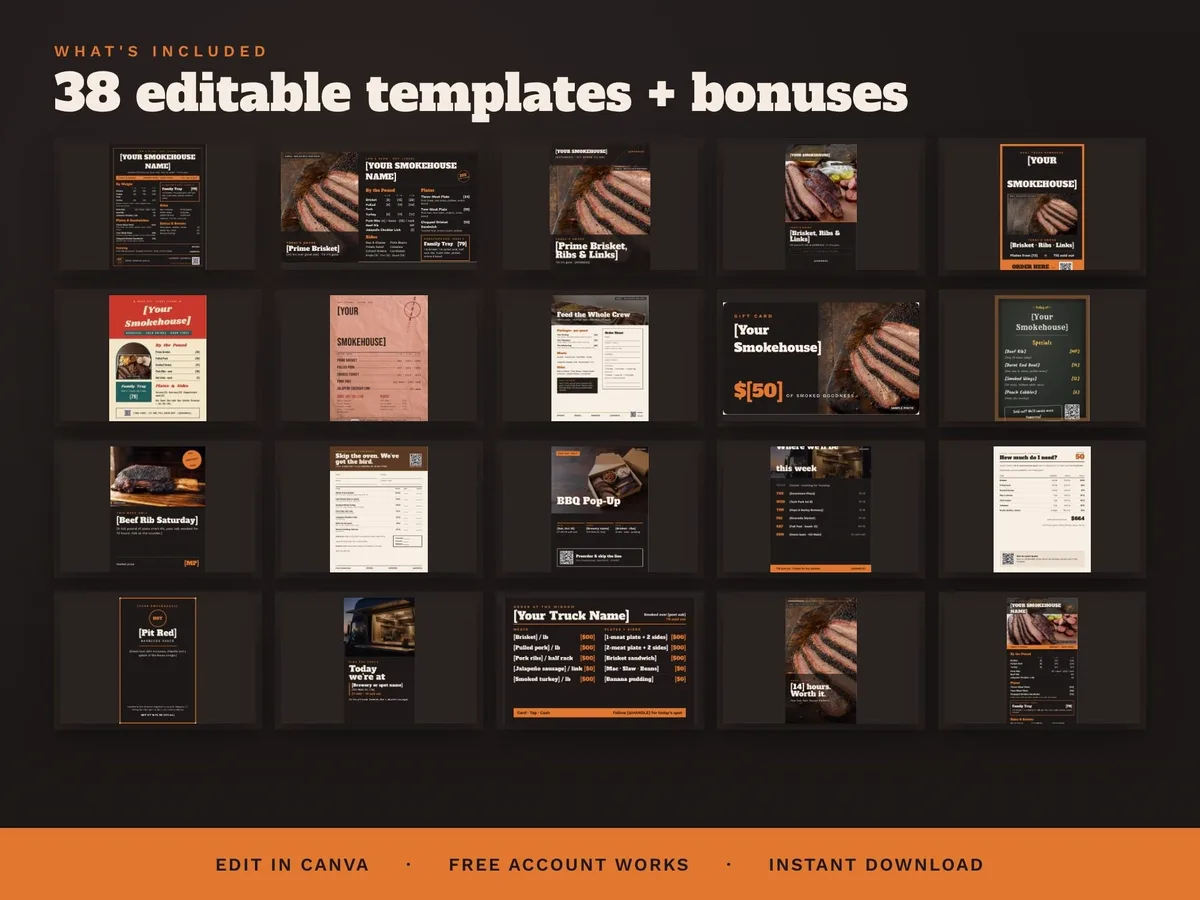
Built to run the whole business, not just one menu: menus in three styles, TV menu boards (static and animated), a catering menu, order sheet and catering calculator, an A-frame sign, chalkboard specials, table tents, door signs, gift, punch and loyalty cards, sauce and rub labels, Instagram posts, stories, carousels, Reel storyboards and highlight covers, a food truck schedule, hiring and price-update posts, a catering contract and invoice, an allergen sheet, an open/close checklist with temperature log and a pop-up vendor packet.
Built for food trucks too: a 36×24 serving-window menu, an 18×24 QR order sign, a "Today we're at" location story and a Book the Truck catering flyer. 38 templates, each in three color versions — 114 ready-to-edit designs — with print-ready PDFs with bleed and crop marks so the print shop gets it right the first time.
The spreadsheets do the math for you: a Menu Pricing + Food Cost sheet and a Catering Quote Builder (Google Sheets or Excel), plus done-for-you scripts for review replies, catering emails and event pitches, 30 captions with hashtags, a 30-day content calendar, a brand kit and a Start Here guide and video. No Canva experience needed. Free updates whenever new templates are added.
How it works: download the PDF after purchase, click the template links to open them in Canva, change the words, photos and colors, then print, post or put it on screen. Digital product; nothing is shipped. Sample photos are AI-generated and labeled SAMPLE — replace them with your own food photos.
What’s included
- Step-by-step how-to guide (PDF), written for people who have never used Canva. It covers changing prices and words, swapping photos, making a video menu, downloading the right file type, and putting it on a TV.
- Make it a video menu: swap the top photo for a short video in Canva and download an MP4 that loops on your TV.
What you need to show it on a TV
This is not an app or a subscription. You edit in free Canva, then download a picture file (PNG or JPG) or, for moving menus, a video file (MP4). Any screen that can show a photo or play a video full-screen will work. Use ONE of these:
- A smart TV with a USB port + a USB thumb drive (most common). Most Samsung, LG, Sony, TCL, Hisense and Roku TVs open photos and MP4 videos from USB in their Media, Photos or USB app. Some Vizio models can’t open files from USB, so use option 2 or 3.
- A streaming stick or box: Fire TV, Roku, Chromecast/Google TV or Apple TV, using a photo app (Google Photos, Amazon Photos, Roku Photo Streams) or AirPlay from an iPhone.
- A laptop or mini PC plugged into the TV with an HDMI cable. Works on any TV with an HDMI port.
- A digital signage display (Samsung Business, LG Signage or similar).
Test your TV first (2 minutes): put any photo and any short phone video on a USB thumb drive and open them on your TV. If the photo shows, picture menus will work. If the video plays, video menus will work.
- Vertical (tall) boards need the TV hung sideways (portrait). On a normal wide TV they show with black bars on each side. Sideways (16:9) boards fill a normal TV.
- Thumb drive: 8 to 32 GB, formatted FAT32 or exFAT (most new drives already are).
- TV won’t open PNG? Download as JPG instead.
- Video menus: download as MP4 Video and turn on Repeat/Loop on your TV.
- Screen turns off? Turn off the TV’s sleep timer or auto power-off.
Not included: the TV, mount, streaming device or thumb drive. The free Canva account works. Items with a crown in Canva are Pro.
Specification
| Format | Editable Canva templates (a free Canva account works) plus print-ready PDFs |
|---|---|
| Templates | 38 designs × 3 color versions = 114 variations |
| Food truck set | Serving-window menu, QR order sign, location story, Book the Truck flyer |
| Bonuses | Menu Pricing + Food Cost sheet, Catering Quote Builder, scripts, 30 captions, content calendar, brand kit, Start Here guide and video |
| Delivery | Instant digital download |
| License | One buyer, for your own business; not for resale or sharing |