Never used Canva? Watch how it works (15 seconds).
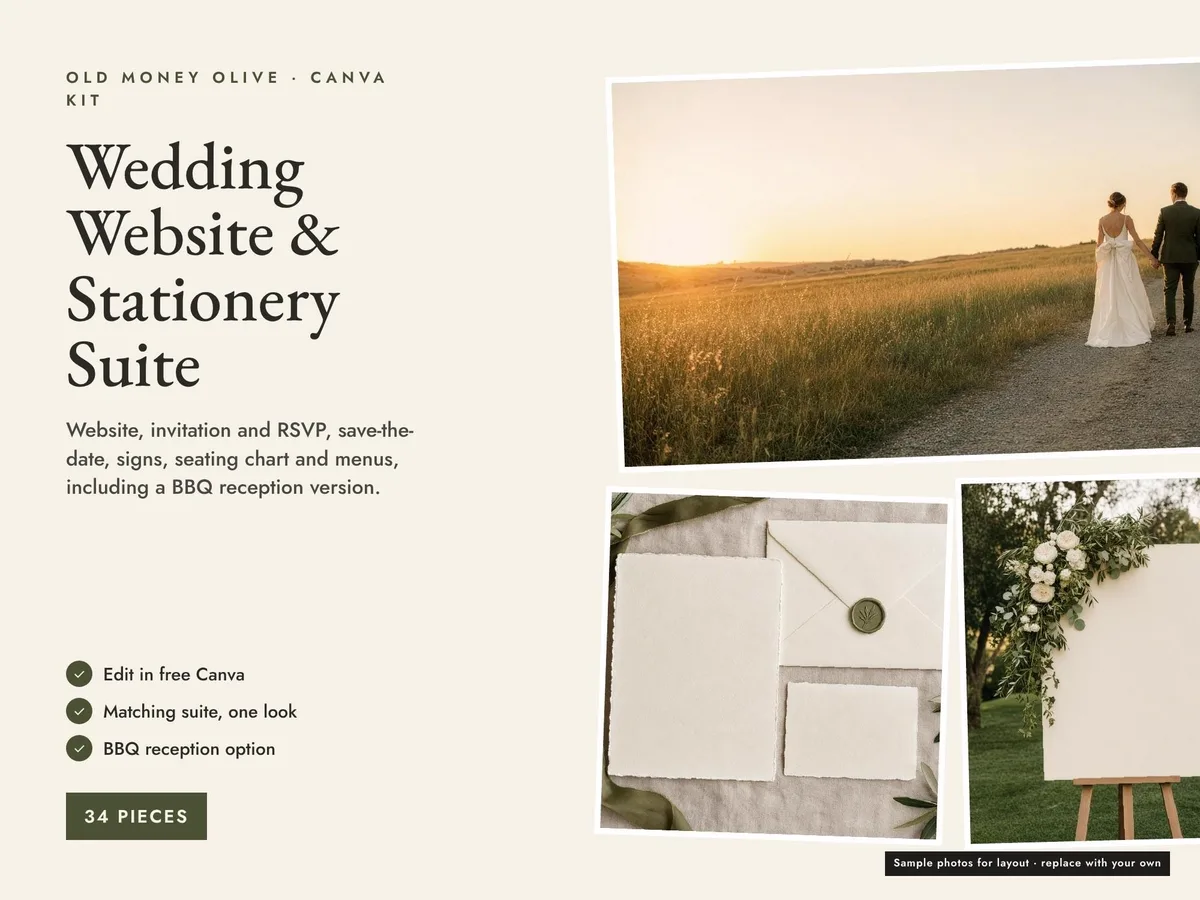
Wedding Website & Stationery Suite — 34 Canva Templates in Olive, Claret and Dusty Blue
One elegant, old-money look for your whole wedding — save the date, wedding website, invitations, seating chart, signs, menus and thank-you cards — every template in olive, claret and dusty blue.
Checkout, payment and delivery are handled by Etsy. Instant download the moment payment clears. The struck-through price is the regular Etsy price; the sale price is what Etsy charges today.
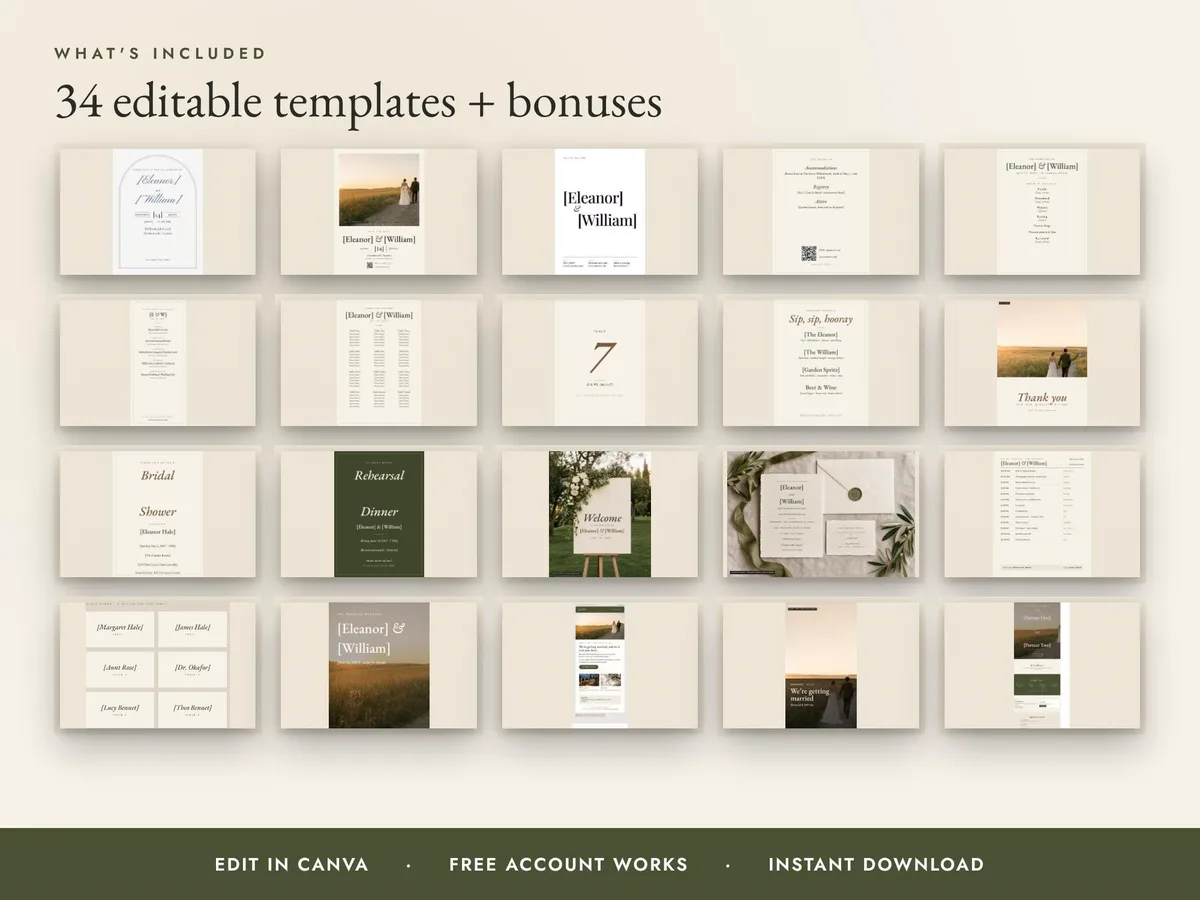
Many wedding listings sell an invitation, or an invitation and RSVP. This suite covers the whole day in one matching look: 34 editable Canva templates, each in three ink colors (olive, claret and dusty blue), for 102 ready-to-edit designs. There is a BBQ reception version of the menus too.
Inside: a wedding website; save the date, invitations in two styles, RSVP card and details card; bridal shower and rehearsal dinner invitations and bridal party proposal cards; seating chart, table numbers, place cards and ceremony program; reception menu, bar menu and a pick-your-sauce sign; reception signs (photo QR, unplugged, cards and gifts, guestbook); welcome bag itinerary, favor tags and drink tickets; envelope liner, address labels, a monogram and crest pack and thank-you cards.
Bonuses: Budget Tracker, Guest List + RSVP and Seating Planner spreadsheets; done-for-you wording for RSVP reminders, vendor emails and thank-you notes; a box-wine budget shopping list, vendor day-of timeline and 30-day content calendar; print-ready PDFs with bleed and crop marks; and a Start Here guide with one-click template links. Free updates when new templates are added.
How it works: download the Start Here guide after purchase, click a template link to open your own copy in Canva, pick your ink color and add your names, dates and photos, then print at home, at a print shop or with Canva Print. Digital product; nothing is shipped. Sample photos are AI-generated and labeled SAMPLE — replace them with your own.
What’s included
- Step-by-step how-to guide (PDF), written for people who have never used Canva. It covers changing prices and words, swapping photos, making a video menu, downloading the right file type, and putting it on a TV.
Print it, post it or put it on a TV
Download from Canva as PDF Print for printing, PNG or JPG for social media and email, or MP4 for anything that moves. To show a design on a TV (a welcome sign, a reception menu or a photo slideshow), copy the PNG or MP4 to a USB thumb drive and open it in the TV’s Media, Photos or USB app, or use a streaming stick (Fire TV, Roku, Chromecast, Apple TV) or a laptop with an HDMI cable. Test your TV first with any photo on a thumb drive. TV, devices and printing are not included.
Specification
| Format | Editable Canva templates (a free Canva account works) plus print-ready PDFs |
|---|---|
| Templates | 34 designs × 3 ink colors = 102 variations |
| Ink colors | Olive, claret, dusty blue |
| Bonuses | Budget Tracker, Guest List + RSVP and Seating Planner spreadsheets, wording scripts, Start Here guide |
| Delivery | Instant digital download |
| License | One buyer, for your own business, wedding or events; not for resale or sharing |